

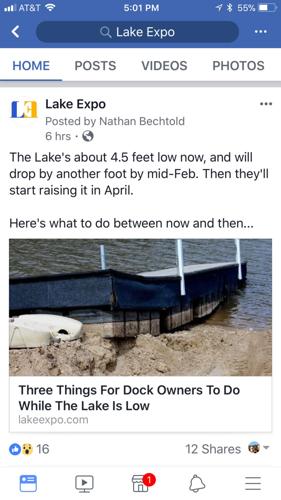
Maybe you heard that Facebook is rearranging how it delivers information in your news feed? Zuckerberg says now it’s all about maximizing the connections between people. If you’re like us and you love Facebook because you get updates on your family and friends, silly cat videos AND interesting articles in one place, good news: that doesn't have to change! Here are 3 ways to make sure you keep seeing LakeExpo's news, boating stories, and Lake of the Ozarks event calendar.

I. Subscribe to the LAKE ALERT!
Facebook has never been a surefire way to see local stories about the Lake: if you've Liked our Facebook Page, sometimes our articles show up in your news feed, but other times they don't. The best way to keep seeing Lake Expo is to sign up for our Lake Alert email.
You'll get compelling headlines and weekly listings for local live music and events sent directly to your inbox. The Lake Alert is loved by thousands of active subscribers -- it's free, easy to read, and keeps you up-to-speed on what you need to know about Lake of the Ozarks. Subscribe Now!
II. Change your Facebook News Feed settings
Here's how you can guarantee Lake Expo articles appear in your news feed.
ON MOBILE -- Lake Expo on Facebook
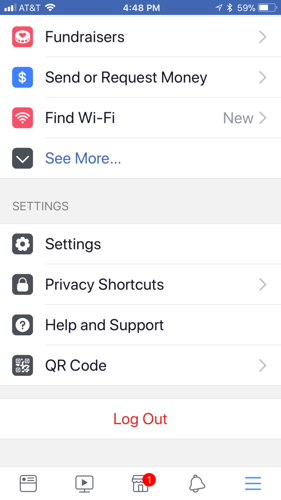
1. Click on the 3 stacked lines on the bottom right corner to pull up the main menu

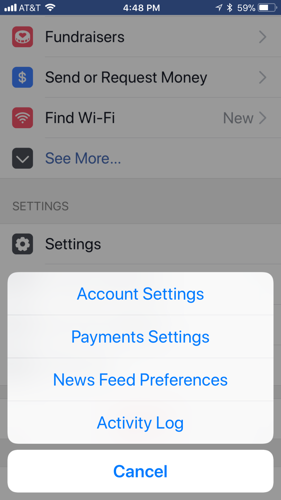
2. Scroll to the bottom of the menu and select Settings

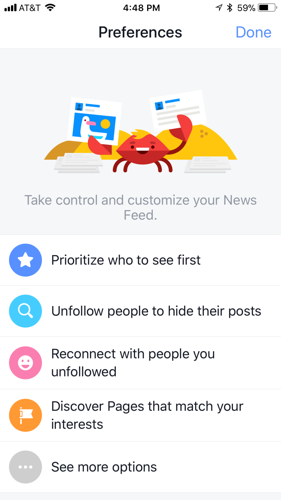
3. Click News Feed Preferences

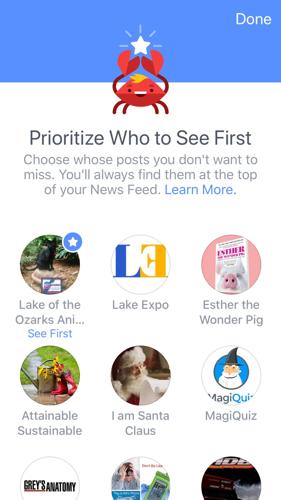
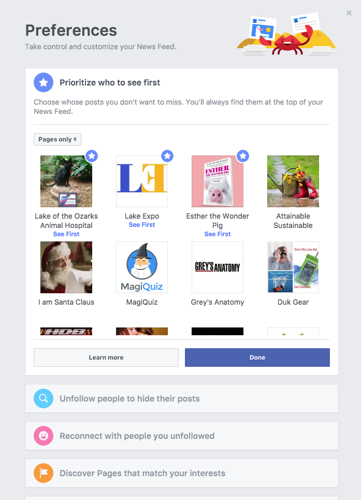
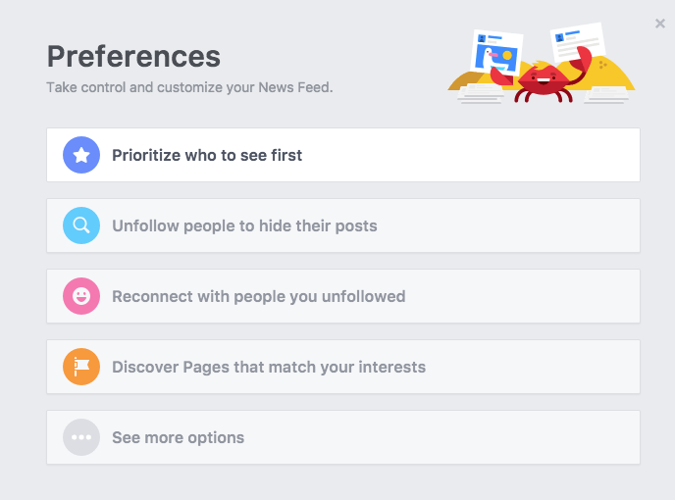
4. Click Prioritize who to see first

5. Select Lake Expo and any other people or pages you want to show up first in your news feed.

6. You're all done! You'll continue to see Lake Expo in your News Feed, just like normal!
ON DESKTOP -- Lake Expo on Facebook
1. Log in to your Facebook account and click on Home
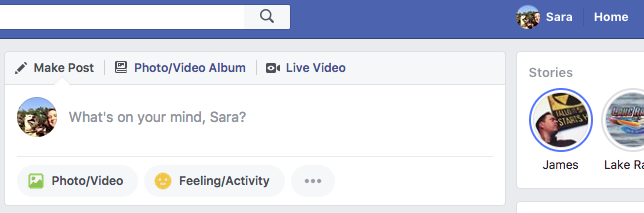
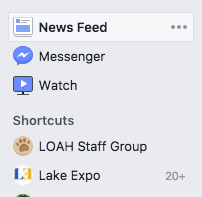
2. Find News Feed in the menu on the left side of your screen and click on the 3 horizontal dots
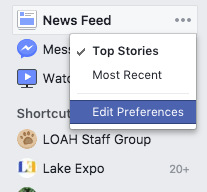
3. Click Edit Preferences
4. Click Prioritize who to see first

5. Select Lake Expo and any other people or pages you want to see first in your News Feed!

6. You're all set! New LakeExpo articles should appear at the top of your news feed when you log in to Facebook. Keep scrolling for baby pictures and cat videos :)
III. Follow Lake Expo on Twitter – You can also follow us on Twitter for updates on local news and events.
--
Thanks for reading LakeExpo.com! Got thoughts or feedback? Contact us.


